
How to Install a Smart Bed Step by Step (2025 Guide)
Short Answer
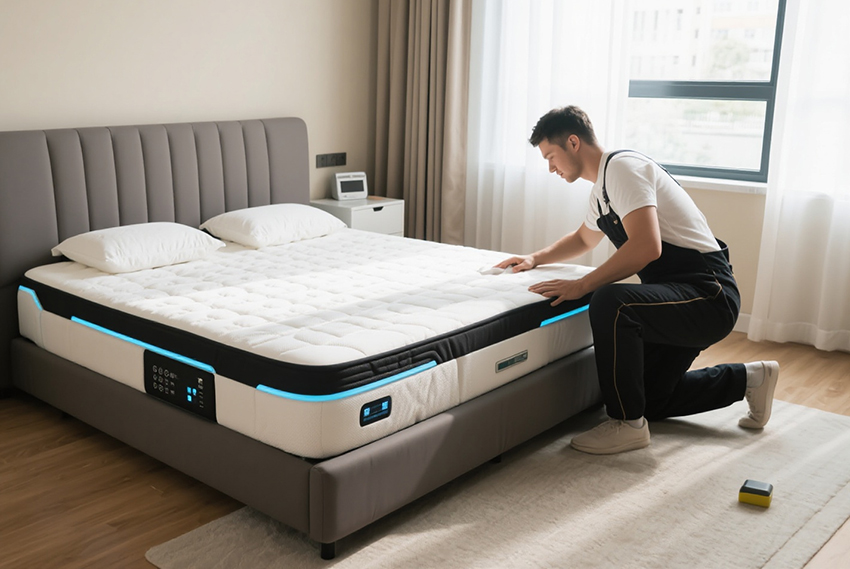
Before installing a smart bed, check if the seller provides professional installation. After unboxing, follow the manual or video guide. Pay special attention to installing the motors correctly. Once the frame and motors are set, test the bed’s functions before placing the mattress.
Introduction
Smart beds are becoming increasingly popular for their ability to improve comfort, sleep quality, and even health. However, many buyers worry that installation might be complicated. The truth is that most smart beds are designed for simple step-by-step installation at home. In this guide, we’ll provide a clear installation process, safety tips, troubleshooting solutions, and answers to the most frequently asked questions.
1. What to Prepare Before Installation
-
Leave at least 50 cm of space around the bed for assembly.
-
Check that your floor is flat and stable.
-
Confirm your power outlet voltage (110V or 220V).
-
If possible, ask whether the seller offers on-site installation services.
2. Tools Required
| Tool | Purpose |
|---|---|
| Screwdriver | Tightening screws on the frame and controller |
| Wrench | Securing motor brackets |
| Power strip with surge protector | Protects the control system and motor |
| Level ruler | Ensures the bed frame is balanced |
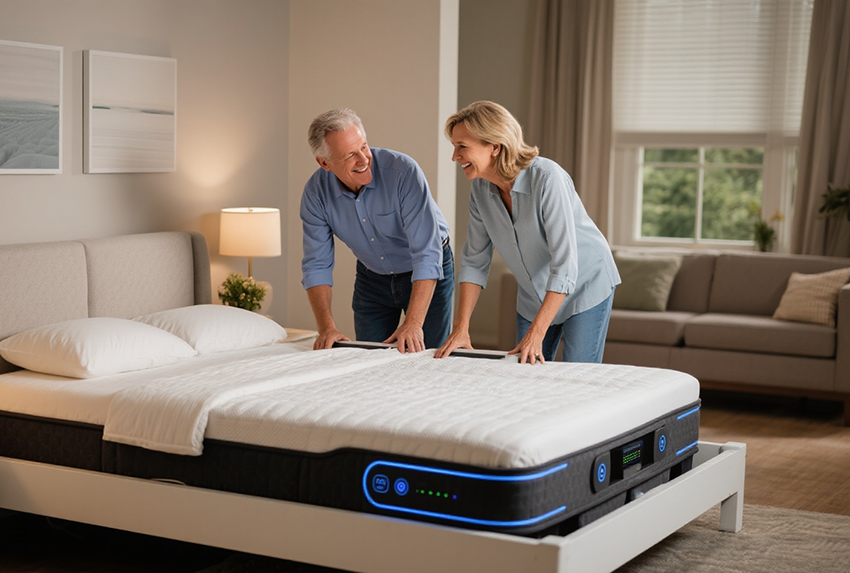
3. Step-by-Step Smart Bed Installation Guide
Step 1: Unbox & Check All Parts
-
Carefully open the package.
-
Confirm the parts list (frame, slats, motors, control box, remote/app module, screws).
-
Look for an instruction manual or installation video.
Step 2: Assemble the Bed Frame
-
Connect the side rails and cross beams.
-
Use a wrench to tighten screws.
-
Ensure the frame is stable before proceeding.
Step 3: Install Motors & Control Box
-
Attach motors firmly under the bed base.
-
Secure the control box and connect the motor cables.
? Tip: The control system is the “brain” of the smart bed. Correct installation ensures stable performance for lifting, massage, and preset positions.
Step 4: Connect Power Supply
-
Plug the control box into a surge-protected outlet.
-
Keep cables clear of sharp edges or moving parts.
Step 5: Test All Functions Before Adding Mattress
-
Power on the bed and test head/foot adjustment, massage, and preset modes.
-
Only place the mattress after confirming everything works smoothly.
4. Safety Tips During Installation
-
Work with at least two people for lifting heavy parts.
-
Keep liquids away from motors and control boxes.
-
Check that cables are not pinched or twisted.
-
Do not use the bed until you have tested all functions.
5. Troubleshooting Common Issues
| Problem | Likely Cause | Solution |
|---|---|---|
| Bed doesn’t move | Loose power cable | Recheck outlet & plug |
| Remote doesn’t respond | Battery issue | Replace batteries |
| Bed tilts unevenly | Frame not balanced | Adjust legs / retighten screws |
| Loud motor noise | Loose screws | Check and secure motor mounts |

6. FAQs About Installing Smart Beds
Q1: Can I install a smart bed alone?
Not recommended. The frame and motors are heavy—two people make the process safer.
Q2: How long does installation take?
Most models can be installed within 45–90 minutes.
Q3: Do I need professional installation?
Most consumer models are DIY-friendly, but hospital-grade nursing beds should be installed by professionals.
Q4: What happens if power goes out during use?
The bed will remain stable in its last position. Some high-end beds come with backup batteries.
7. Related Guides
For more smart bed insights, explore:
8. Conclusion
Installing a smart bed is straightforward if you follow the right steps. From unboxing and assembling the frame to installing the motors and testing the control system, the process is simple with two people and basic tools.
? Remember: the motor and control system are the most important parts—install them carefully to ensure long-term stability.
? If you’re a furniture brand or manufacturer seeking OEM/ODM smart bed control systems, contact us for professional solutions.
Best Smart Beds for Back Pain and Posture Support
Related Article